n
anonymousdoortablet/dthelp.nsflanguages
Protected content
| 278pages | Our help system contains many pages and videos for you to consume. This includes the complete information on how Door Tablet works, all its features and options, and of course the many benefits for your business. Door Tablet School offers many videos too. |
|
Click on images to see them in full screen
64D6F0E9AA9938E680257BCD00412681Languages
When using Door Tablet, you have the ability to choose what language you want to operate in. We currently support the following languages, built-in:
 | Name | Native name |
| 1 | Arabic | العربية |
| 2 | German | Deutsch |
| 3 | English | English |
| 4 | Spanish | Español |
| 5 | Finnish | Suomi |
| 6 | Filipino | Filipino |
| 7 | French | Français |
| 8 | Hebrew | עברית |
| 9 | Indonesian | Bahasa Indonesia |
| 10 | Italian | Italiano |
| 11 | Japanese | 日本語 |
| 12 | Korean | 한국어 |
| 13 | Lithuanian | Lietuvių |
| 14 | Malay | Bahasa Melayu |
| 15 | Dutch | Nederlands |
| 16 | Polish | Polski |
| 17 | Portuguese | Português |
| 18 | Romanian | Română |
| 19 | Russian | Русский |
| 20 | Slovak | Slovenčina |
| 21 | Serbian | Српски |
| 22 | Swedish | Svenska |
| 23 | Thai | ไทย |
| 24 | Turkish | Türkçe |
| 25 | Vietnamese | Tiếng Việt |
| 26 | Chinese (Simplified) | 简体中文 |
| 27 | Chinese (Traditional) | 繁體中文 |
Note: English is the default language. Language support is only provided for door displays and TV displays, not admin. Other languages may be added on demand. Please send an email to sales@door-tablet.com requesting the language you require. Some meeting spaces automatically come up in a different language to English due to their location.
Note about UNICODE
When submitting text in UNICODE language, you will need to run the Door Tablet as a Web application.
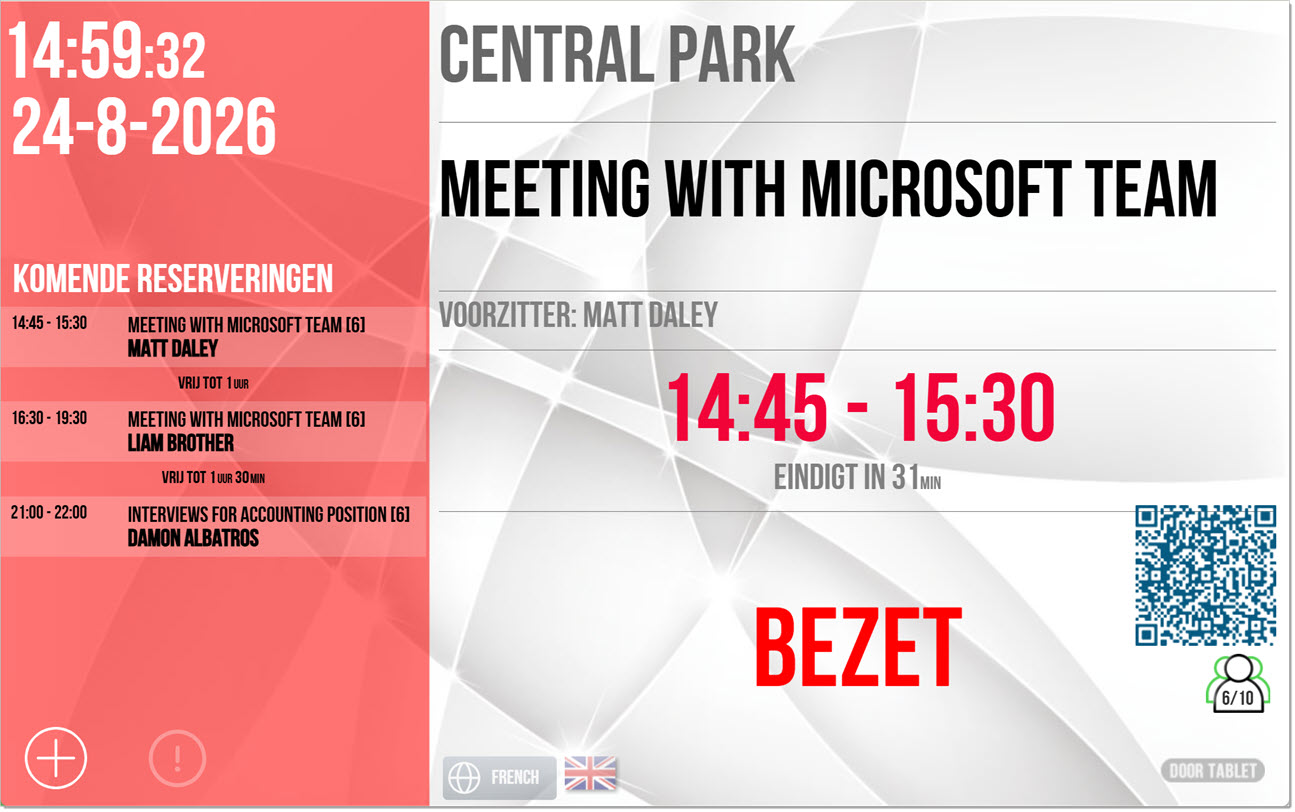
The following screen shots are examples of the meeting spaces that are automatically in a different language:
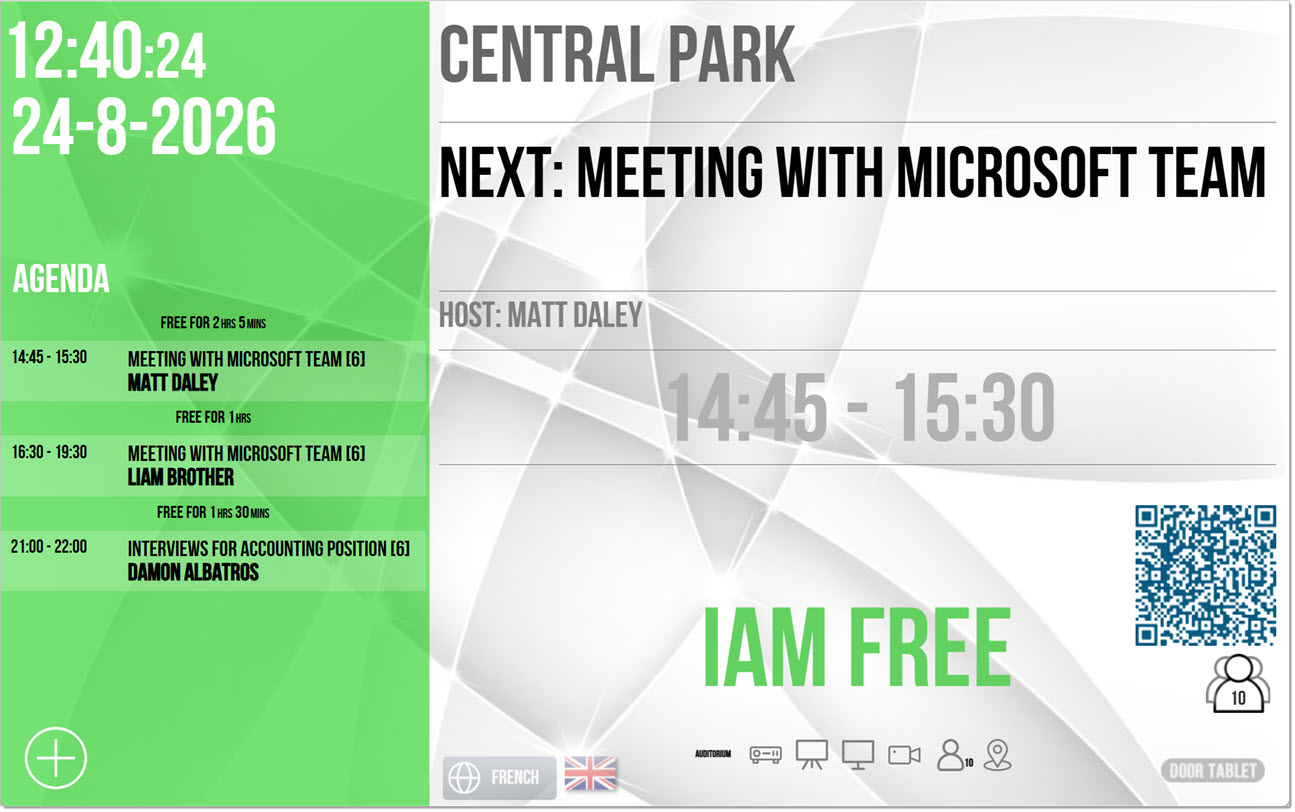
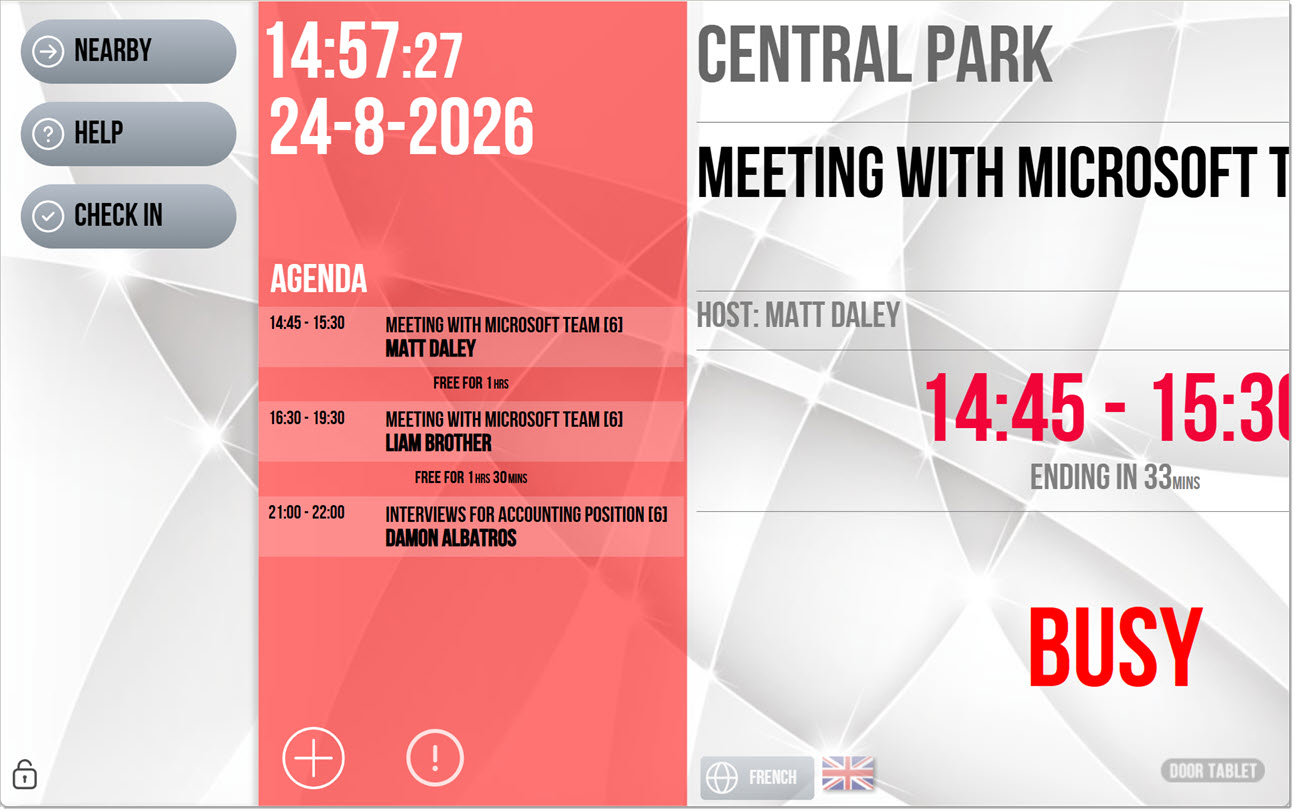
Dutch
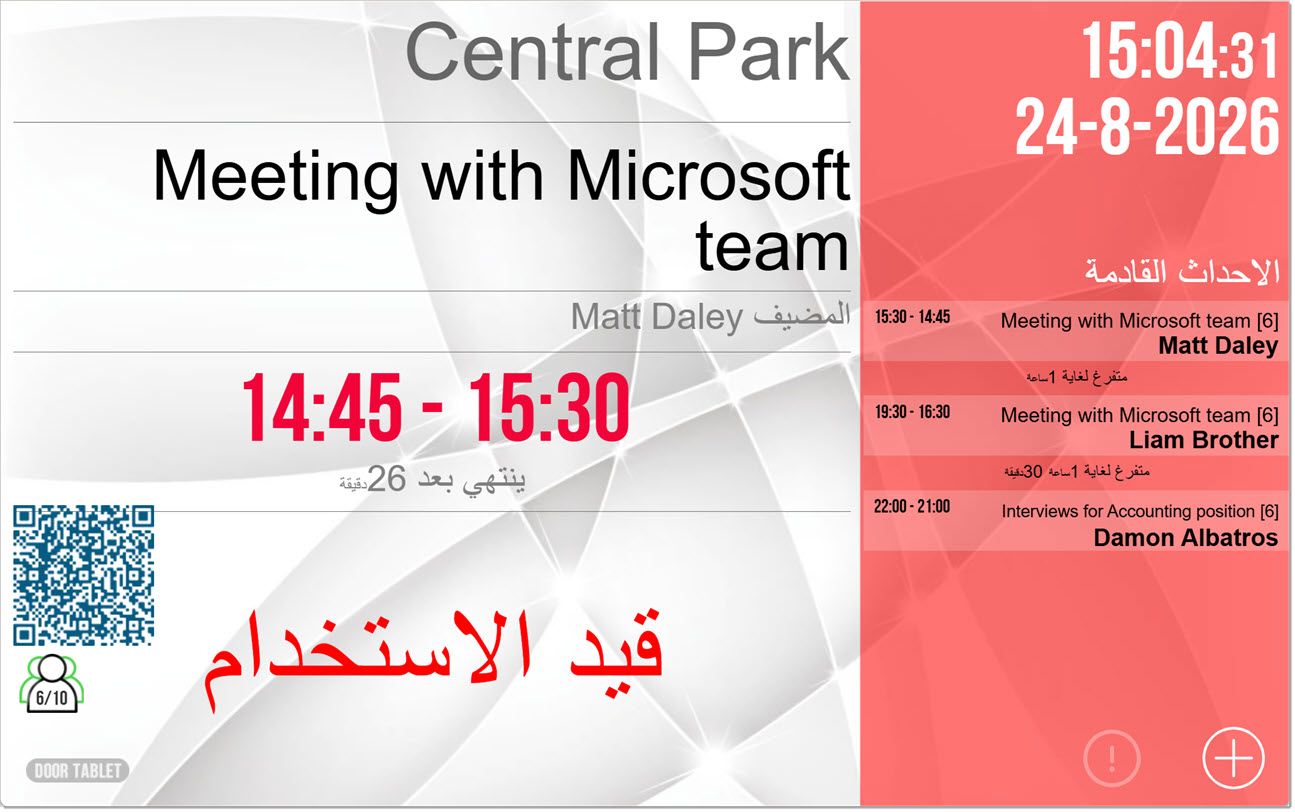
For Semite languages, Arabic and Hebrew, the whole screen flips automatically...
Arabic: