n
anonymousdoortablet/dthelp.nsfhot-desk
Protected content
| 278pages | Our help system contains many pages and videos for you to consume. This includes the complete information on how Door Tablet works, all its features and options, and of course the many benefits for your business. Door Tablet School offers many videos too. |
|
Click on images to see them in full screen
825839A6E91E49C4802586AD0067778EIntroduction
 VIDEO: Door Tablet Booker for end usersVIDEO: Door Tablet Booker for admins
Highlight of features:
The Door Tablet hot desking system is simple to use yet powerful for both administrators and end users alike. The following features apply:
- Integrated into your room systems
- Does NOT require representation in your scheduling system (MS 365, Planon, Google Workspace and so on)
- Provides means to import your desks from CSV files
- Fully administered using the Door Tablet Web UI
- Provides full control over where users can book
- Handles different time zones
- Book for AM, PM, whole day and hourly
- Occupancy levels controls
- Allows admins to set who can book for others
- Allows viewing and booking of teams
- Provides a variety of interfaces - Time bars, Floor Plans and Calendars
- Allows for blocked desks and dedicated desks
- Translated to 22 languages
- Allows for end users to upload their avatars, and change their language
- Shows avatars in both Floor Plans and Time Bars
- Provides for easy navigation between allowed areas
- Provides for easy floor plan editor
- Sends email confirmations regarding booking and cancellations
- Provides help page to guide users how to use the system
- SSO Integration using SAML
- Modify and brand the interface to a great degree
and more. |
Interfaces
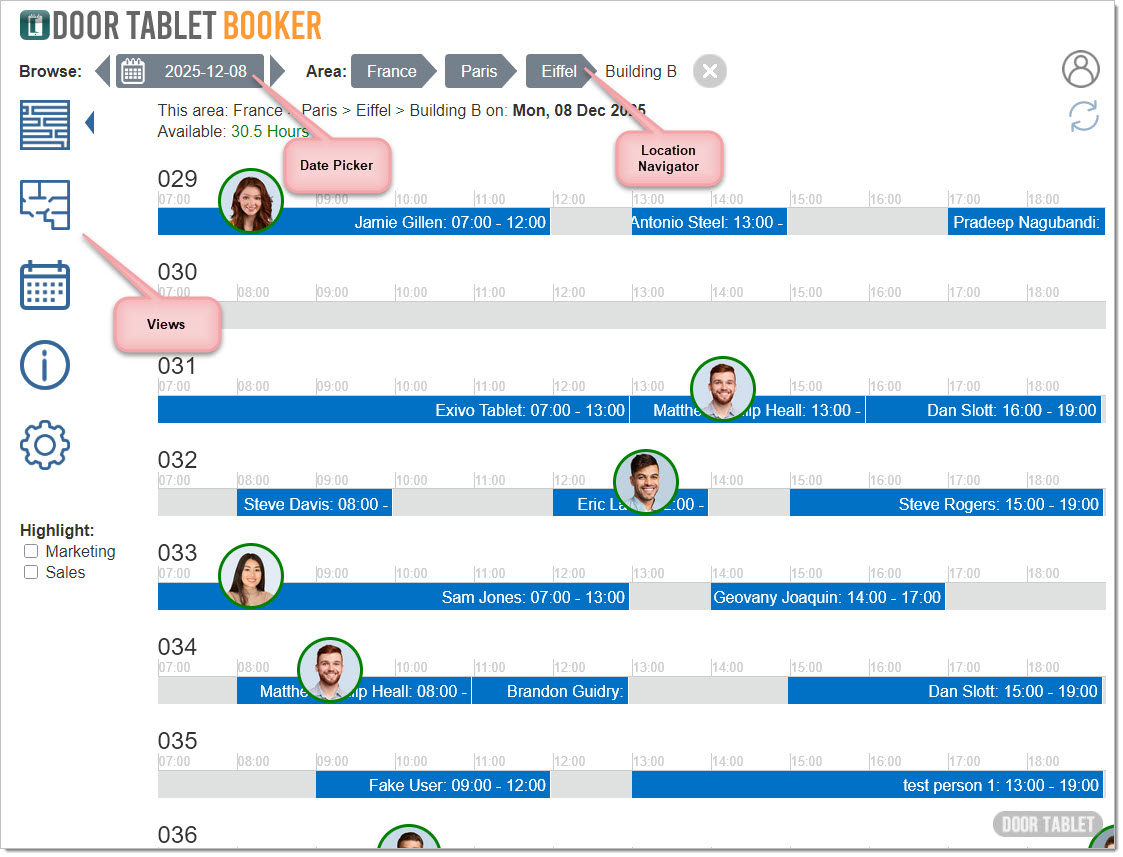
Time bars provide a clear view of bookings
 Floor plan
Makes it easy to find where your desks are.
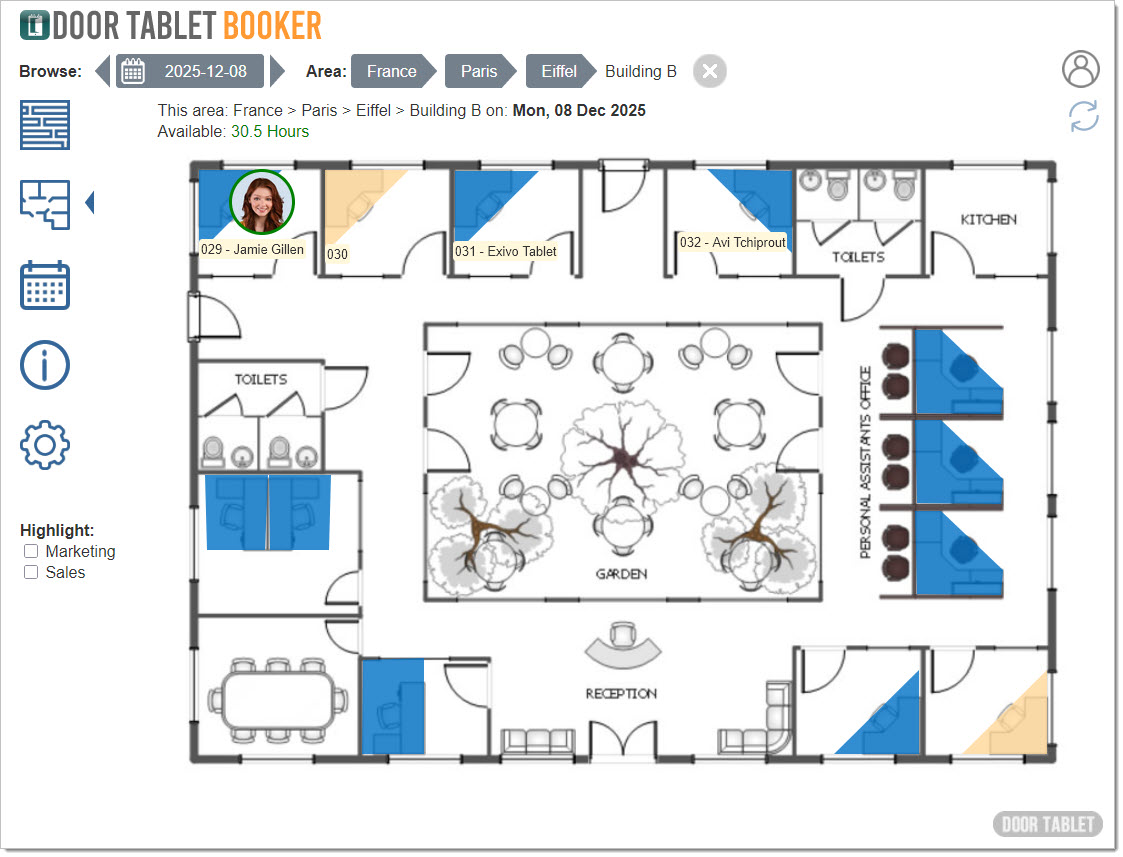
Floor plan
Makes it easy to find where your desks are.