n
anonymousdoortablet/dthelp.nsfmicrosoft-365-government
Protected content
| 278pages | Our help system contains many pages and videos for you to consume. This includes the complete information on how Door Tablet works, all its features and options, and of course the many benefits for your business. Door Tablet School offers many videos too. |
|
Click on images to see them in full screen
342F51F0F75D684A80258AD9007AAE99Microsoft 365 Government
From version 10.11.14 Door Tablet supports access to Microsoft 365 for USA Government, including GCC, GCC High and DoD.
To enable 365 Government connection do the following:
- Open the System Profile
- Select Microsoft 365 as your Microsoft Technology
- In the '365 Goverment' field select the end-point you wish to use
- As an option, select a Custom end-point by typing one in
- Test your setup and submit the form
VIDEO: Door Tablet and Microsoft 365 GCC
Note: from version 10.25 of the Door Tablet server and the new availability of Spaces API calls, you can now fully synchronise with the platform to get your rooms listed in Door Tablet.
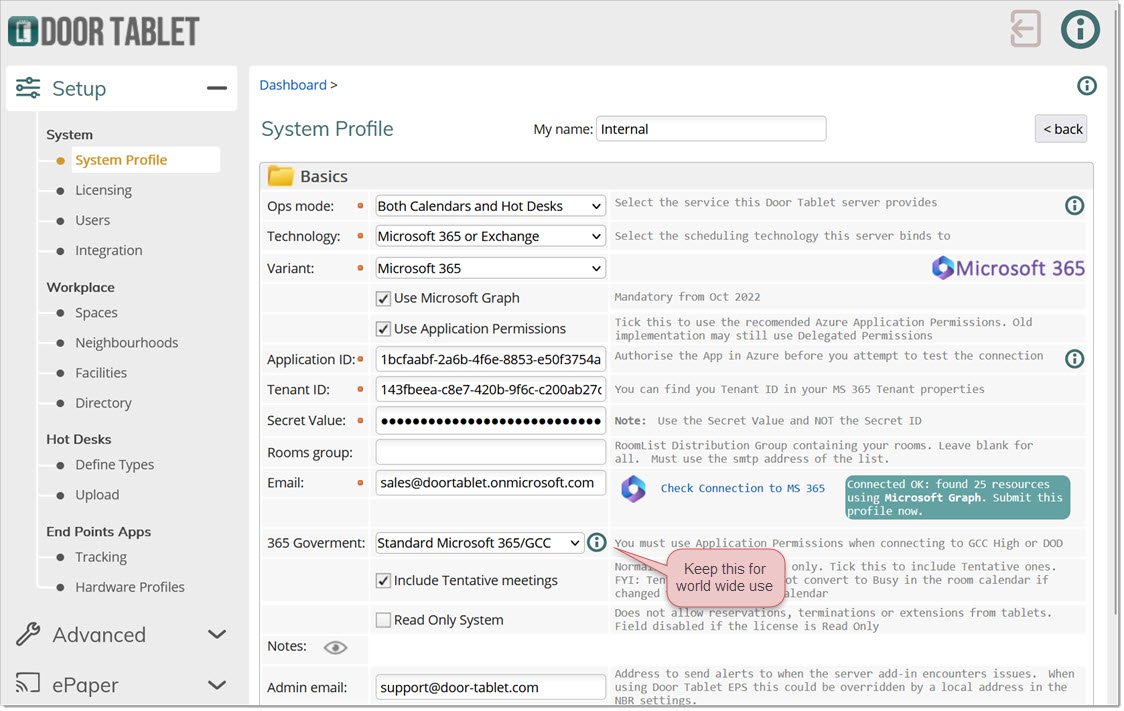
Select the value you wish to use:
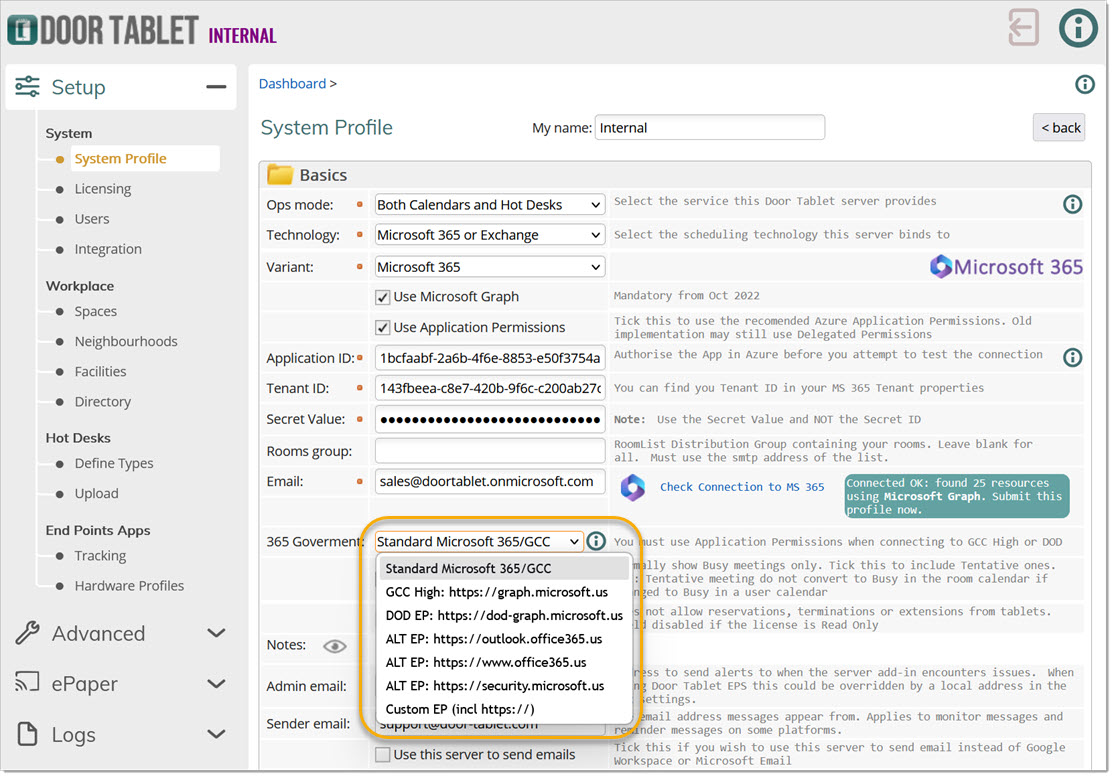
If you wish to use a Custom end-point, select 'Custom EP', select that option and add the end-point, including "https://"
Test the setup. You should get this:
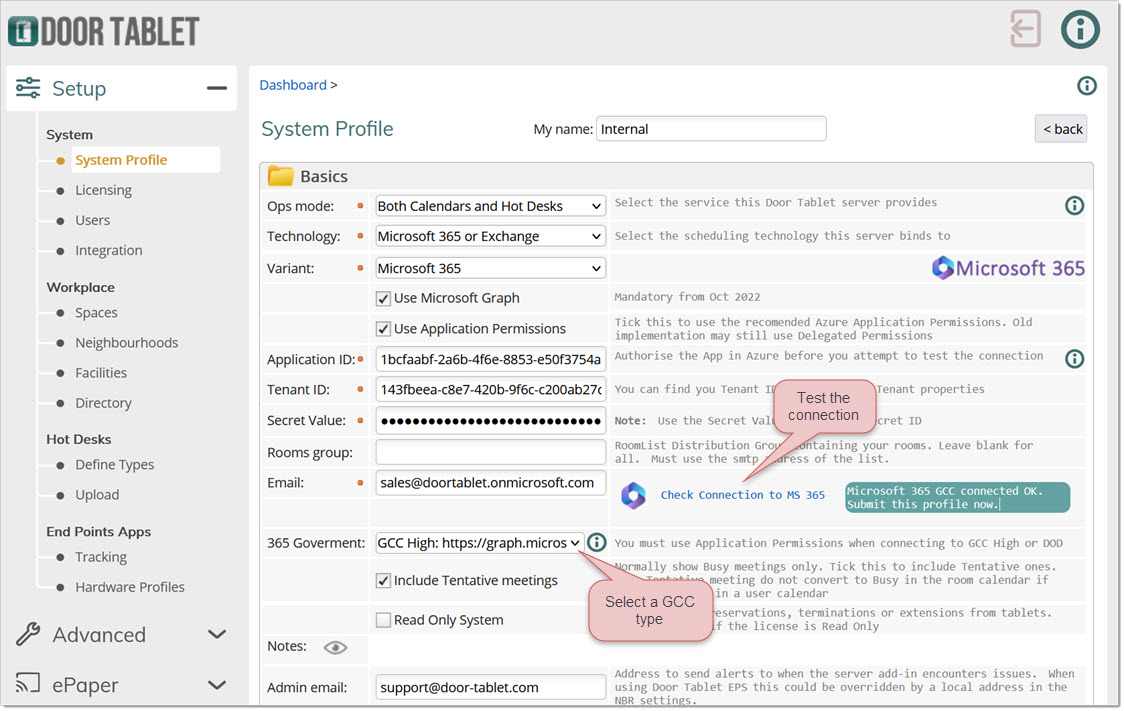
Submit the System Profile and continue as normal. You may now add resources in the Space view.
Creating rooms in Door Tablet from Microsoft 365 GCC, GCC High and GCC DoD
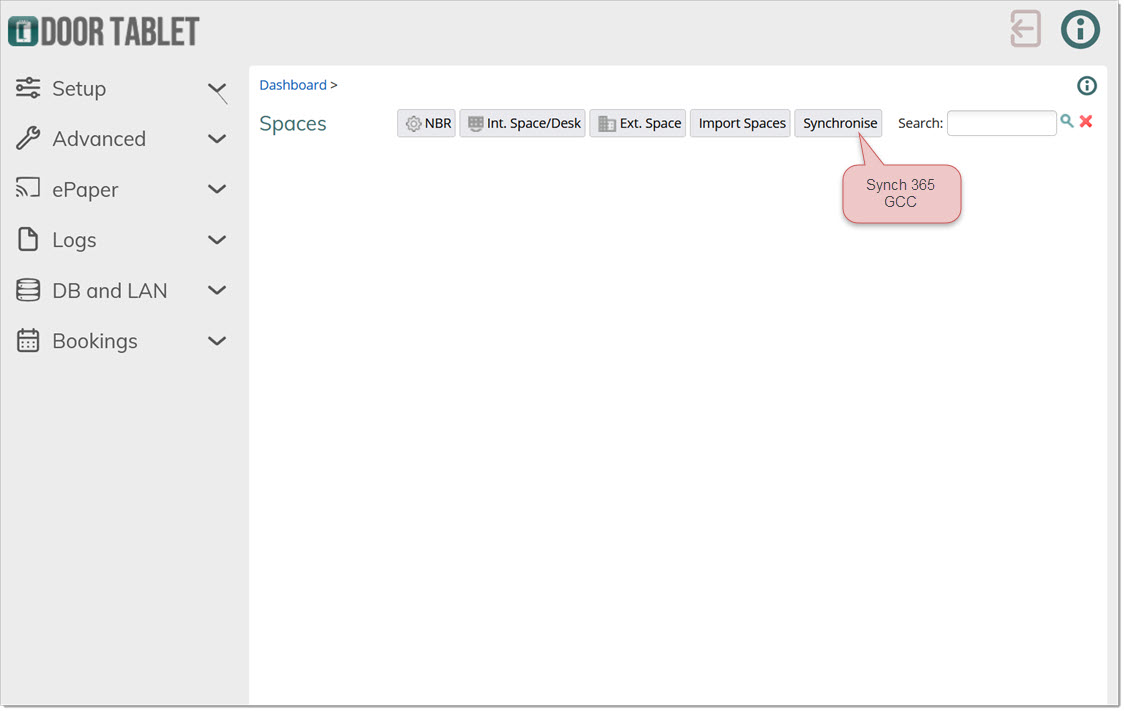
For GCC instances, if Places API is enabled you will be able to "Synchronise" your rooms with Door Tablet.
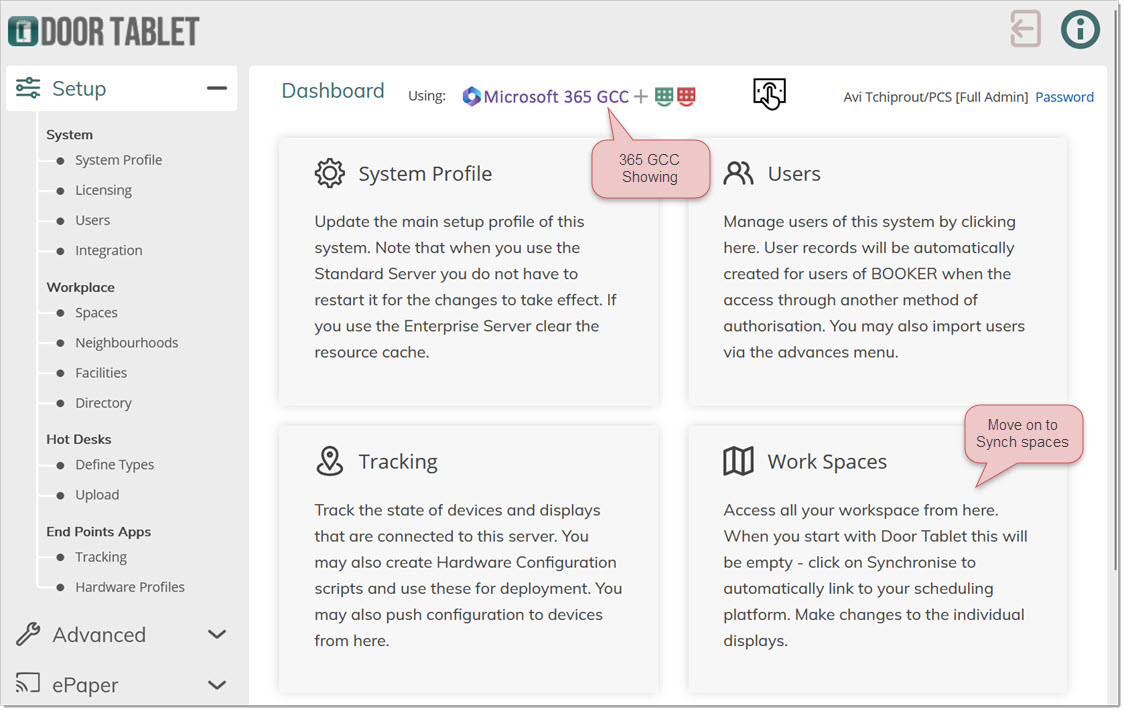
Click Synchronise...
If you have not added the Places API Permission, you can create a room manually...
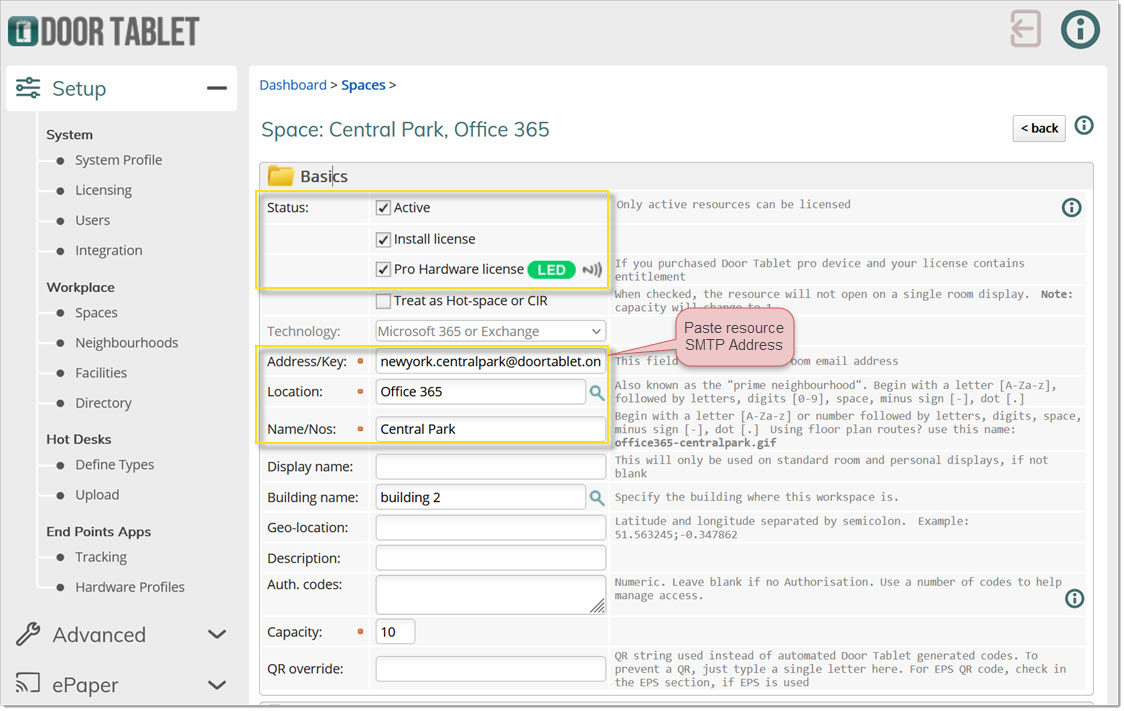
You may now submit the record and open the room in your browser. You can come back later and continue setting up the room business rules.