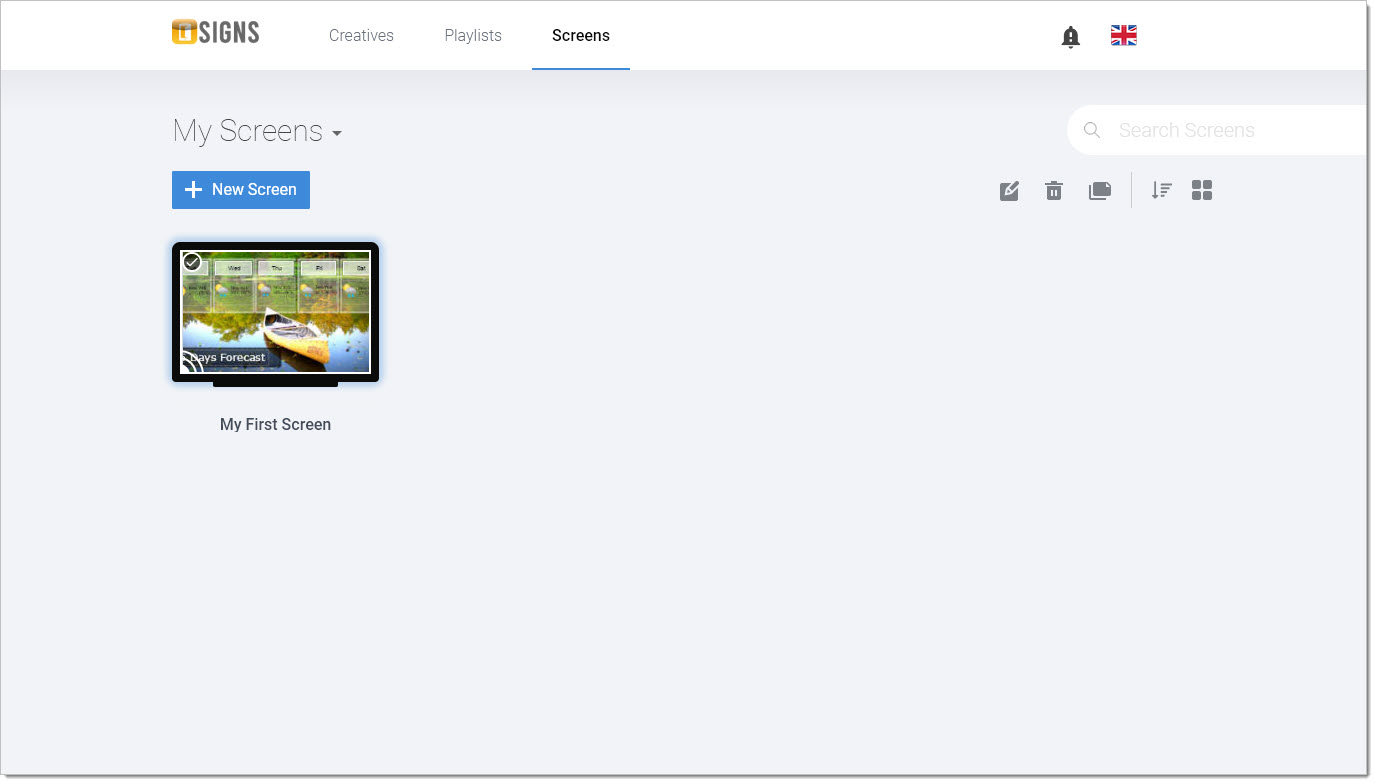
n
anonymousdoortablet/dthelp.nsfsigns-screens
Protected content
| 278pages | Our help system contains many pages and videos for you to consume. This includes the complete information on how Door Tablet works, all its features and options, and of course the many benefits for your business. Door Tablet School offers many videos too. |
|
Click on images to see them in full screen
977EFB598489AD9780258767006AA2A0Creating Screens
To create a SIGNS screen you follow these steps:
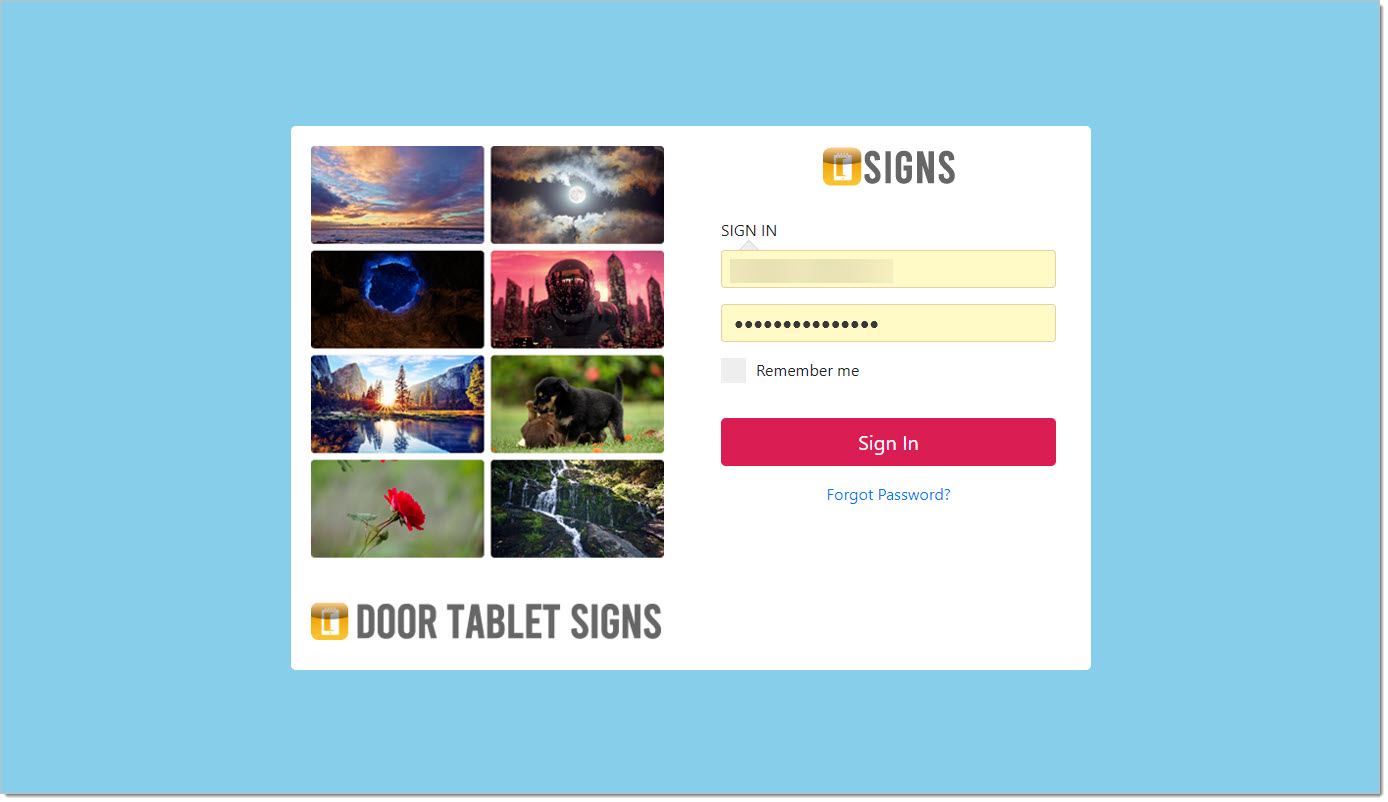
- Login to https://signs.door-tablet.com
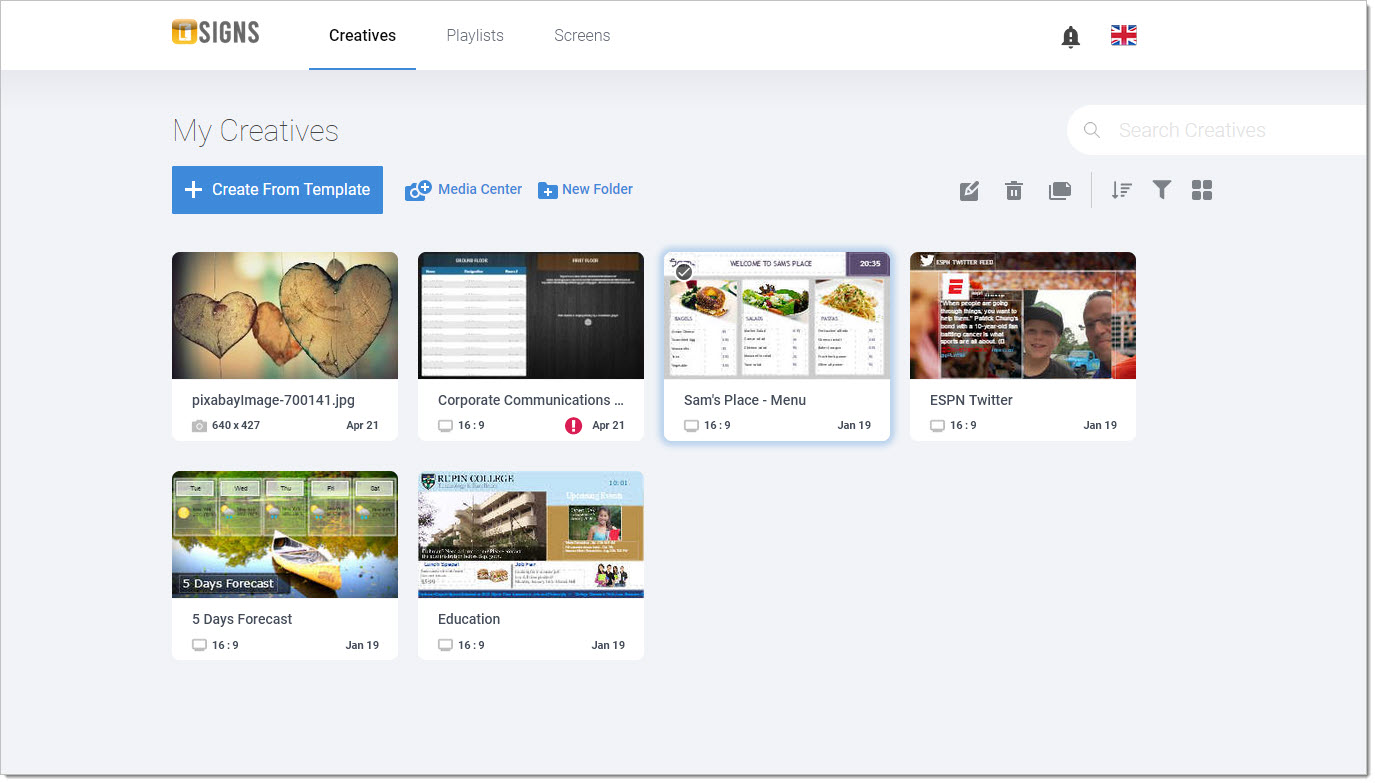
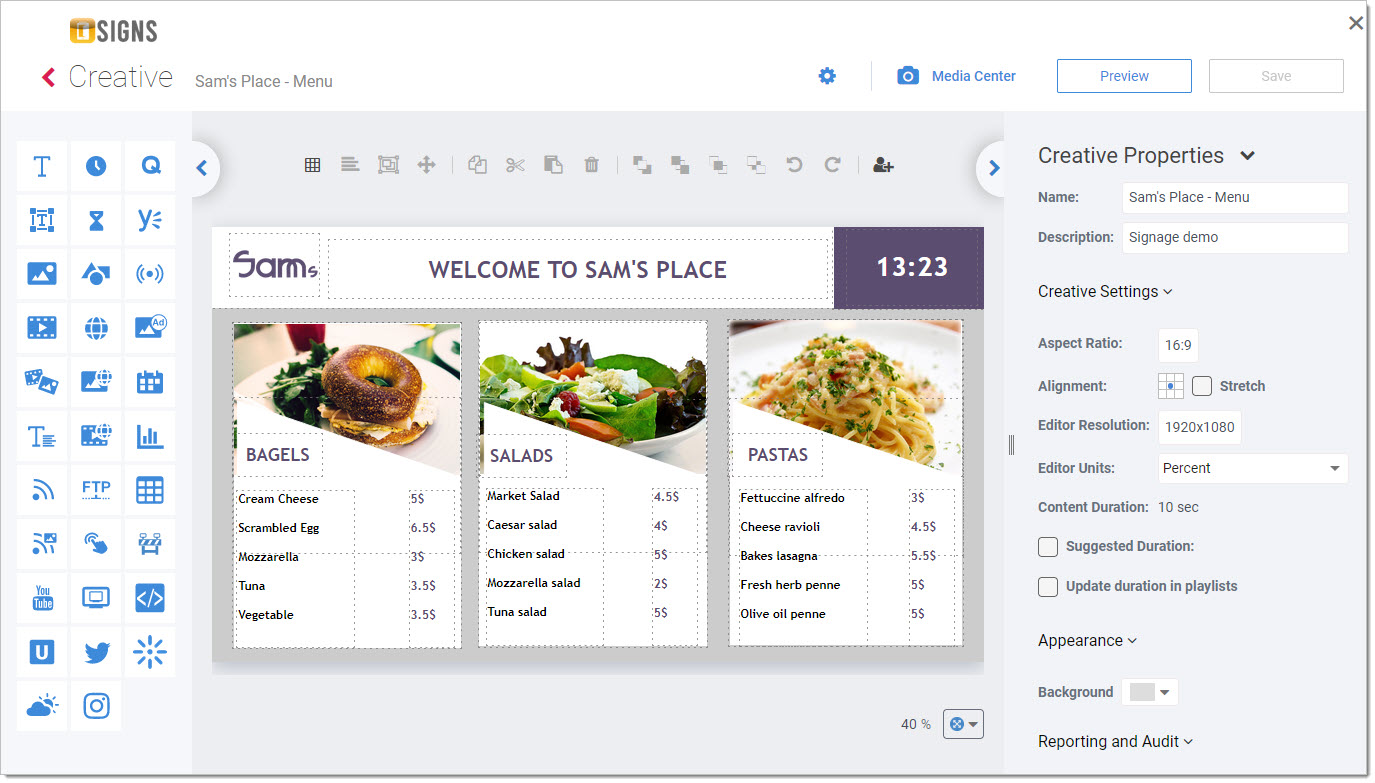
- Design "Creatives" - individual screens containing rich contents
- Create Playlists from Creatives you have created above
- Assign a Playlist to a Screen
You can use screens where you installed the player. Please note that each screen is a licensed for an annual fee.
Login...
Create or Edit Creatives
Edit a Creative using the studio
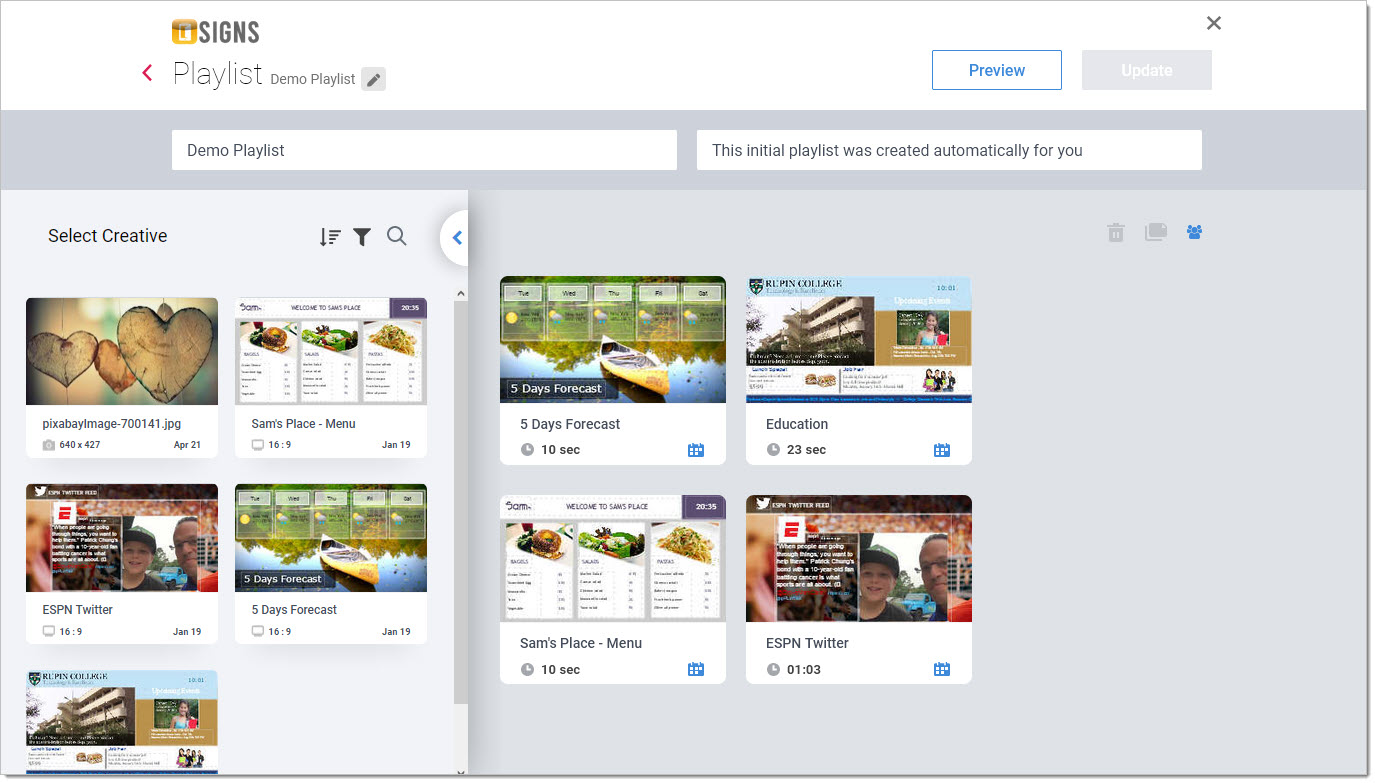
When you are done creating your "Creatives" you can put them all together in Playlists. Playlists are assigned to screens, which become selectable from players.
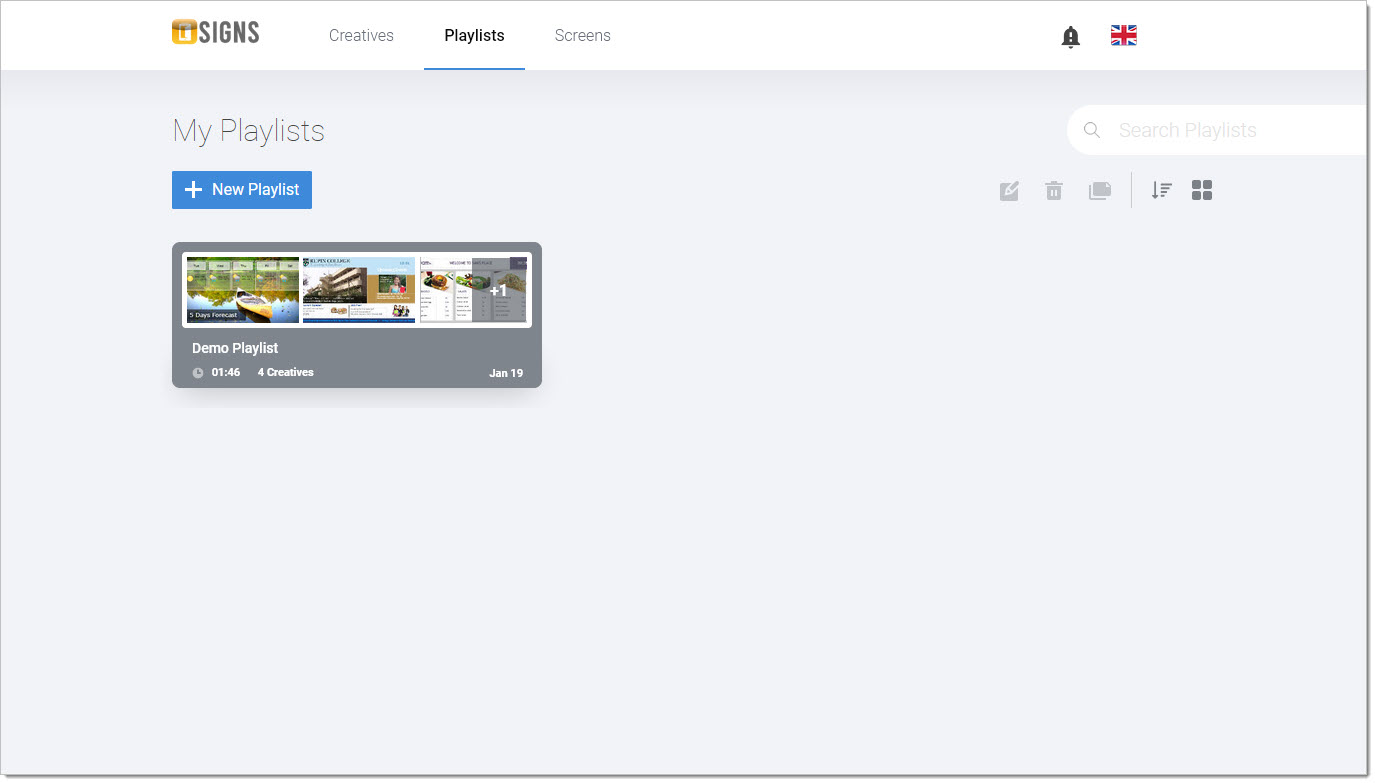 Editing a Playlist
Once you create a Playlist you can drag Creatives into it, and set how long they play...
 Assign Playlist to Screens
This is the final stage where you assign a Playlist to a Screen you are licensed to use.